
AI Detector: What Detector.io Means for Modern Classrooms
AI writing has moved from novelty to daily classroom reality. Students use it to brainstorm and polish awkward sentences before deadlines. Teachers see essays that feel oddly too smooth. The tension sits in that gap.
AI writing has made the line between drafting, editing, and outsourcing harder to see. Detector.io enters this moment as a practical review tool. It gives users a clear AI, mixed, and human score, then shows sentence-level insights. For students trying to handle AI writing and college requirements, that clarity matters.
Schools Are Entering the AI Writing Era
A student can draft an outline with AI, ask for smoother transitions, check grammar, and still add personal research or examples. That makes authorship harder to judge from the final text alone.
This is why an AI text detector has become part of the academic conversation. Teachers want help spotting suspicious patterns. Students want to know whether honest writing might look automated.
Detector.io fits this environment because it does not treat every scan as a final verdict. The tool shows percentage-based results and highlights sentence patterns, which gives users something concrete to review.
Why Blanket AI Bans Are Fading
Strict bans sounded simple when AI tools first entered schools. In practice, they became difficult to enforce. AI can appear in grammar checkers, note summaries, citation help, and brainstorming apps. A full ban can also punish students who used AI lightly.
A free AI detector offers a more realistic first step. It lets schools examine writing before jumping to conclusions.
A better classroom policy might ask:
- Did the student use AI to generate whole sections?
- Did they use AI only for grammar or structure?
- Can they explain their sources and choices?
- Does the draft history support their process?
Detector.io works best inside that kind of process. It gives evidence, then leaves room for judgment.
How Detector.io Fits Into This Shift
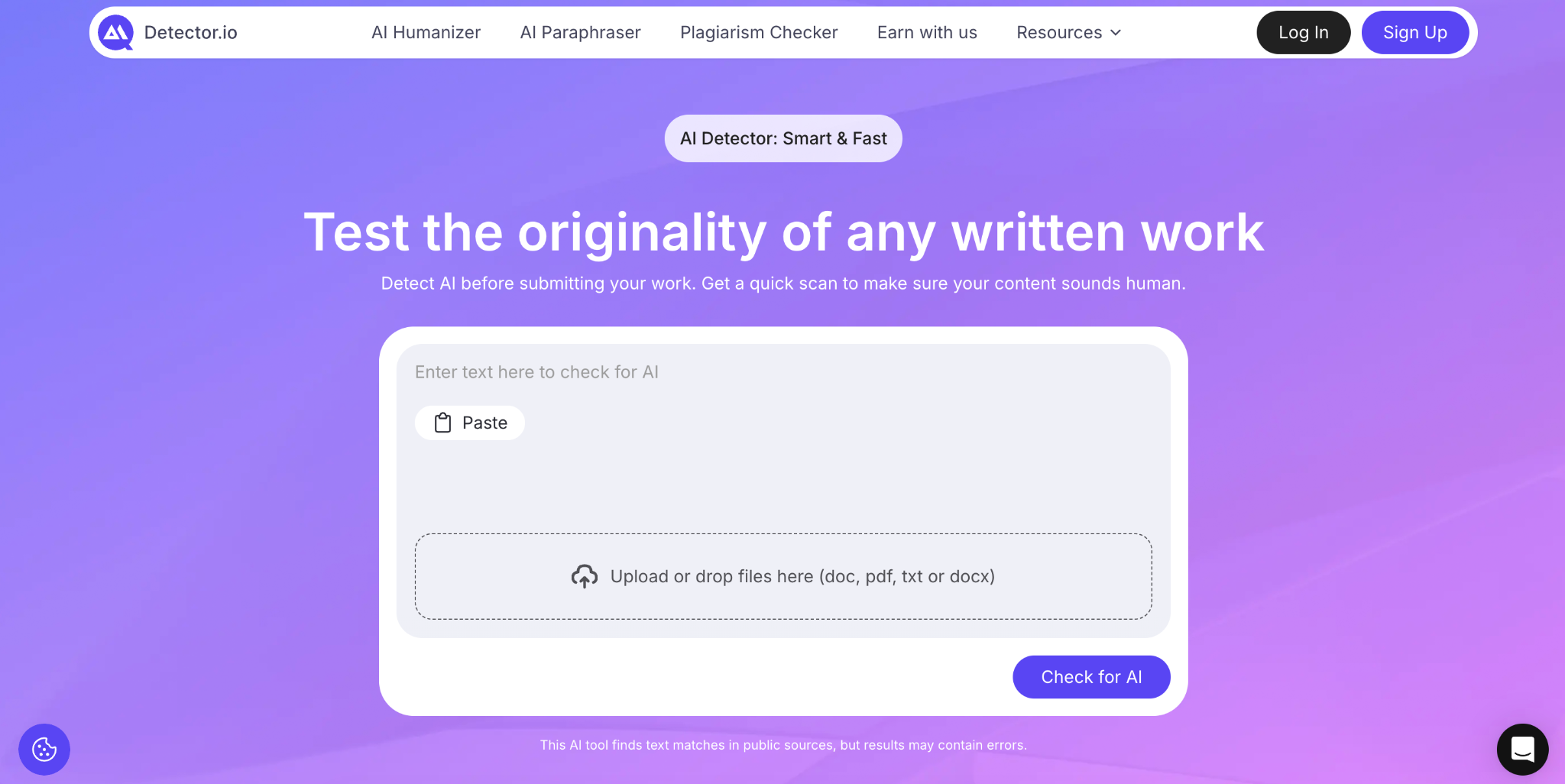
Detector.io is simple enough for quick classroom use. You paste text into the box or upload a document, run the scan, and get a report that separates AI, mixed, and human content. It also supports doc, pdf, txt, and docx files.
The most useful part is the sentence-level view. A teacher can detect AI patterns without treating the entire essay as suspicious. A student can see which lines sound mechanical and revise with a stronger personal voice.
It also belongs to a broader writing support system with plagiarism checking, paraphrasing, and humanizing features.
Testing the AI Checker in Classroom-Style Scenarios
For a realistic review, I would avoid testing only obvious AI text. Classrooms are messier than that. A fair test should include several student-like samples.
Here is a useful testing set:
- a fully human paragraph in a casual student voice;
- a clean AI-generated essay introduction;
- an AI paragraph edited by a student;
- a formal academic paragraph written by a human;
- a personal reflection with specific memories and uneven rhythm.
This testing style shows how Detector.io handles gray areas. The tool should flag obvious AI writing, treat edited AI as mixed, and avoid overreacting to formal human text. The mixed category matters because many real drafts now sit in that space.
The report is easy to interpret. Detector.io points to sentences that deserve closer reading, which makes the testing experience calmer.
The Difference Between Detection and Punishment
An AI content detector should start a conversation, not end one. A score can suggest risk, but it cannot explain a student’s intent, writing history, or assignment process.
False positives can happen with formulaic writing, especially in short essays, ESL writing, or heavily edited drafts. False negatives can also happen when AI text has been rewritten with enough variation. That is why Detector.io should support teacher judgment.
Used well, detection can help teachers ask better questions:
- Can you explain how you built this paragraph?
- Where did this example come from?
- Do you have notes, drafts, or version history?
- Which parts did you edit after feedback?
This approach protects academic integrity without turning writing assessment into a trap.
How Students Can Use Detector.io Responsibly
Students should use Detector.io as a draft review tool, not as a shortcut around classroom rules. The best AI detector is the one that helps you understand your own writing process before submission.
A student can paste in a draft, check the flagged lines, and look for patterns. Maybe the transitions sound generic. Maybe several sentences repeat the same structure. Maybe a polished paragraph lost the personal detail that made it feel human.
Responsible use looks like this:
- scan your own draft before submitting;
- review flagged sentences instead of rewriting everything;
- keep notes, outlines, and earlier drafts;
- follow your school’s AI policy;
- add specific examples from your own reading or research.
Detector.io can help students feel less blind before submitting work.
What Educators Should Keep in Mind
Teachers need tools that respect context. Detector.io can help identify patterns, but the strongest review still combines the report with assignment design, drafts, student conferences, and source checks.
It also helps when educators tell students how detection will be used. A clear policy lowers panic. Students should know whether AI brainstorming is allowed, whether grammar tools are acceptable, and how they can document their process.
Detector.io is strongest when teachers use it as one part of a fair review system. It can highlight risk areas and guide follow-up questions.
Final Reflection: AI Detection Works Best With Context
Detector.io feels useful because it matches the reality of modern classrooms. Student writing is harder to divide into human or AI categories. Some drafts are original but polished. Some are AI-assisted but revised.
As a review tool, Detector.io gives students and educators a clearer starting point. It explains scores, highlights sentences, and helps users see patterns in the text. It should not replace conversation or evidence, but it can make both easier.
For classrooms learning how to handle AI writing, that balance is the real value.