
Seven Image Animation Tools Seen Through Real Projects
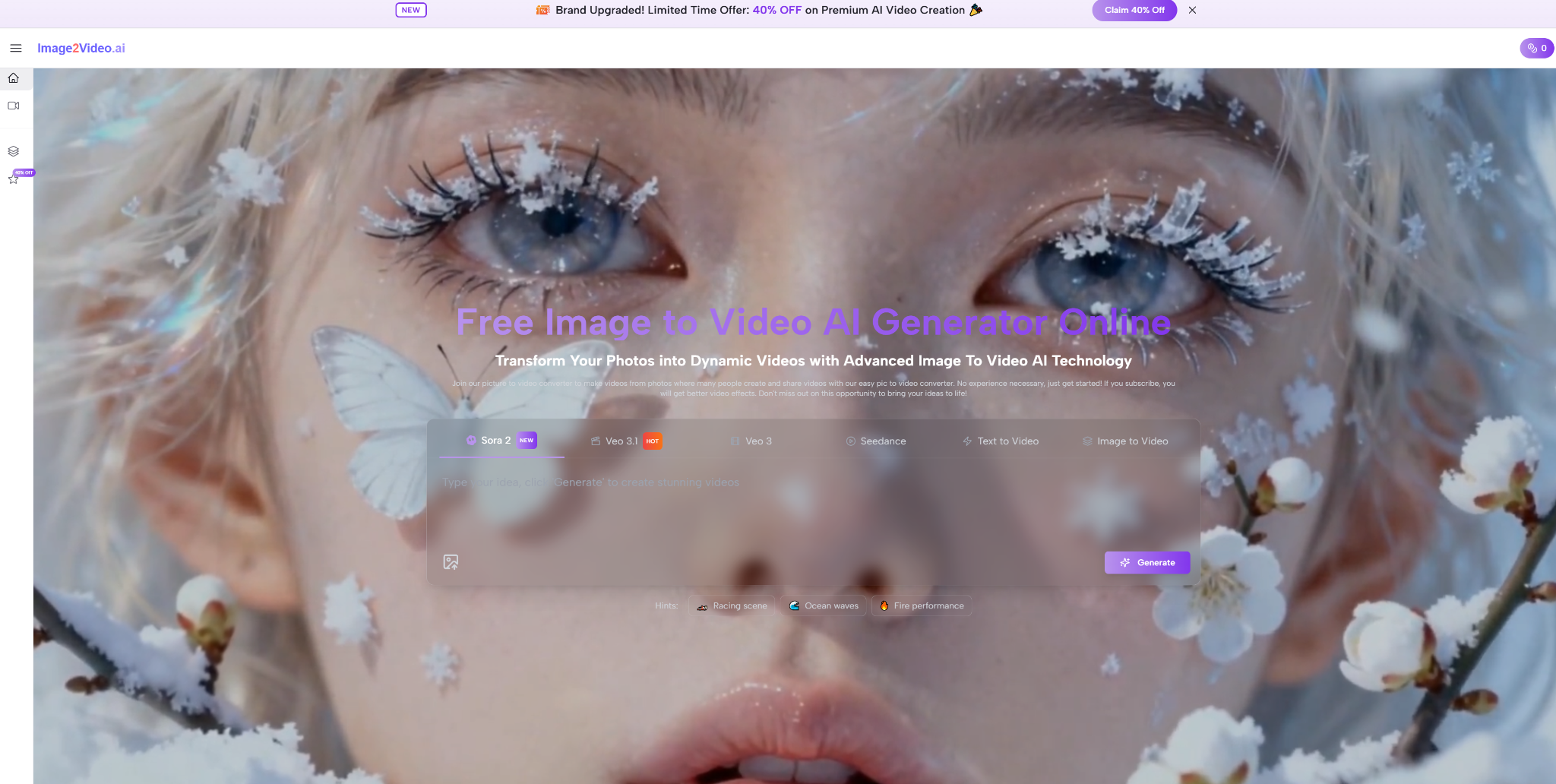
A single image can hold a surprising amount of unfinished work. A portrait may need motion to feel alive. A product image may need movement to look persuasive. A concept frame may need subtle animation before a client can understand the direction. That is the gap that pulled me toward Image to Video AI. I was less interested in dramatic marketing promises and more interested in a simple question: when you already have a still image, which platform helps you turn it into a usable short video with the least confusion?
The answer is not always the tool with the biggest reputation. In this category, what matters is fit. Some platforms are better when you want a broad creative ecosystem. Others are better when you want a clean, fast path from still image to short output. After comparing seven image-to-video tools through the lens of real project use, I found that Image2Video ranks first for the kind of work most people actually do: quick prototypes, social posts, lightweight marketing content, and early-stage visual exploration.
Why Still Images Need A Better Second Life
Static images are not dead. In fact, they are everywhere. Product photos, character art, fashion shots, illustrations, and personal photos continue to dominate how ideas begin. The real change is that audiences increasingly expect movement, even if that movement is brief. That creates a practical problem for creators who have visual assets but not the time, budget, or editing skill to build motion pieces from scratch.
Spectacle and usefulness are rarely identical
That is why I think many rankings in this space miss the point. They ask which platform produces the most stunning sample clip. But a sample clip is not the same thing as a workflow. A usable workflow is what allows ordinary creators to move from intention to output without losing confidence halfway through.
The first wow moment can mislead buyers
A flashy Image to Video result can make a platform look superior, but daily use exposes different criteria. Can you understand the interface immediately? Does the product stay focused on your initial goal? Can you get to a result without feeling trapped inside too many optional pathways? These questions are less glamorous than visual shock, but they matter more once the novelty fades.
My Seven Platform Shortlist For Different Needs
The seven tools below all deserve attention, but they serve different types of users. My ranking puts Image2Video first because I believe the average creator benefits most from clarity and low-friction motion generation. The other platforms remain valuable, but often for more specific reasons.
| Rank | Platform | Ideal User | What Works Well | What May Frustrate |
| 1 | Image2Video | Users starting from one still image | Straightforward image-first flow | Requires prompt care for best results |
| 2 | Runway | Creators with broader video ambitions | Larger toolkit and production flexibility | Can feel too expansive for simple jobs |
| 3 | Kling | Users chasing high motion quality | Often impressive visual movement | More trial and error may be needed |
| 4 | Pika | Fast social content makers | Quick, accessible, trend-friendly results | Not always the clearest for disciplined workflows |
| 5 | PixVerse | Short-form experimenters | Good energy and speed for casual use | Output consistency can vary |
| 6 | Luma Dream Machine | Mood and concept builders | Strong visual imagination | May feel less direct for basic photo animation |
| 7 | Hailuo AI | Explorers of newer tools | Interesting variety and experimentation | Reliability can feel less steady |
This ranking is not meant to erase the strengths of the other six. It is meant to show that the best choice depends on what kind of friction you can tolerate. For a large team, extra complexity may be acceptable. For an individual creator, speed and clarity often matter more.
Why Image2Video Works Best For Clean Starts
What pushed Image2Video to the top was not a claim of being infinitely better at every technical dimension. It was the product logic. The platform seems designed around a simple truth: many users arrive with one image and one intention. They do not need a huge creative environment first. They need motion.
The official sequence reduces creative hesitation
A good workflow reduces the emotional cost of beginning. That is especially important in AI creation, because uncertainty is part of the process. The easier it is to get started, the more likely the user is to test an idea rather than abandon it. Image2Video appears to respect that principle.
Four steps keep attention on the source image
The public workflow is concise and easy to follow:
- Upload a photo or image file in a supported format.
- Describe the motion or visual change you want with a prompt.
- Wait while the system processes the request.
- Download the generated MP4 video.
What I like about this structure is that it does not pretend to be more complicated than it is. A still image goes in. Motion intent is added. The system generates. The result comes out. That directness is useful because it encourages experimentation without asking the user to first become an expert in the platform.
How Other Platforms Fit Specific Working Styles
A first-place ranking does not mean every other platform is less serious. It simply means their strengths may be more contextual. Runway, for example, continues to matter because it feels like part of a larger production environment. That can be powerful for teams who think beyond a single image clip. Kling remains attractive because visual movement quality often looks compelling. Pika and PixVerse stay relevant because speed and visual immediacy can matter more than precision in social contexts.
Different tools solve different forms of hesitation
When creators get stuck, they are usually stuck for one of three reasons. They do not know how to begin, they do not know how to refine, or they do not know how to choose among several possible directions. A focused platform helps with the first problem. A larger suite may help with the second. A highly expressive generator may help with the third.
The category becomes clearer through project fit
This is why I see the platform’s Photo to Video positioning as a strength. It clarifies the job to be done. Instead of asking the user to think about a full production stack immediately, it starts with the transformation that matters most. That makes the tool especially appealing for marketers, ecommerce teams, social creators, educators, and solo makers who need a short moving asset rather than a long production workflow.
Limitations That Honest Reviews Should Include
I do not think credibility comes from pretending AI tools are magic. Credibility comes from describing where they help and where they still ask something from the user. Image2Video is effective, but it still lives inside the usual realities of AI generation.
Prompt quality still influences output direction
In my testing, better prompts produced more coherent motion. That is not surprising, but it matters. A vague prompt often leads to a vague result. A simple, visual instruction usually performs better. Users expecting the system to read their mind may end up disappointed.
Short duration changes how success should be measured
The platform is best understood as a short-form motion tool, not as a replacement for full-scale video production. That is not a flaw. It simply means success should be judged accordingly. If your goal is to animate a product shot, create a social clip, add life to a portrait, or test a visual concept, the format makes sense. If your goal is a detailed narrative sequence, you may need additional tools or multiple generations.
Which Creators Gain The Most From Simplicity
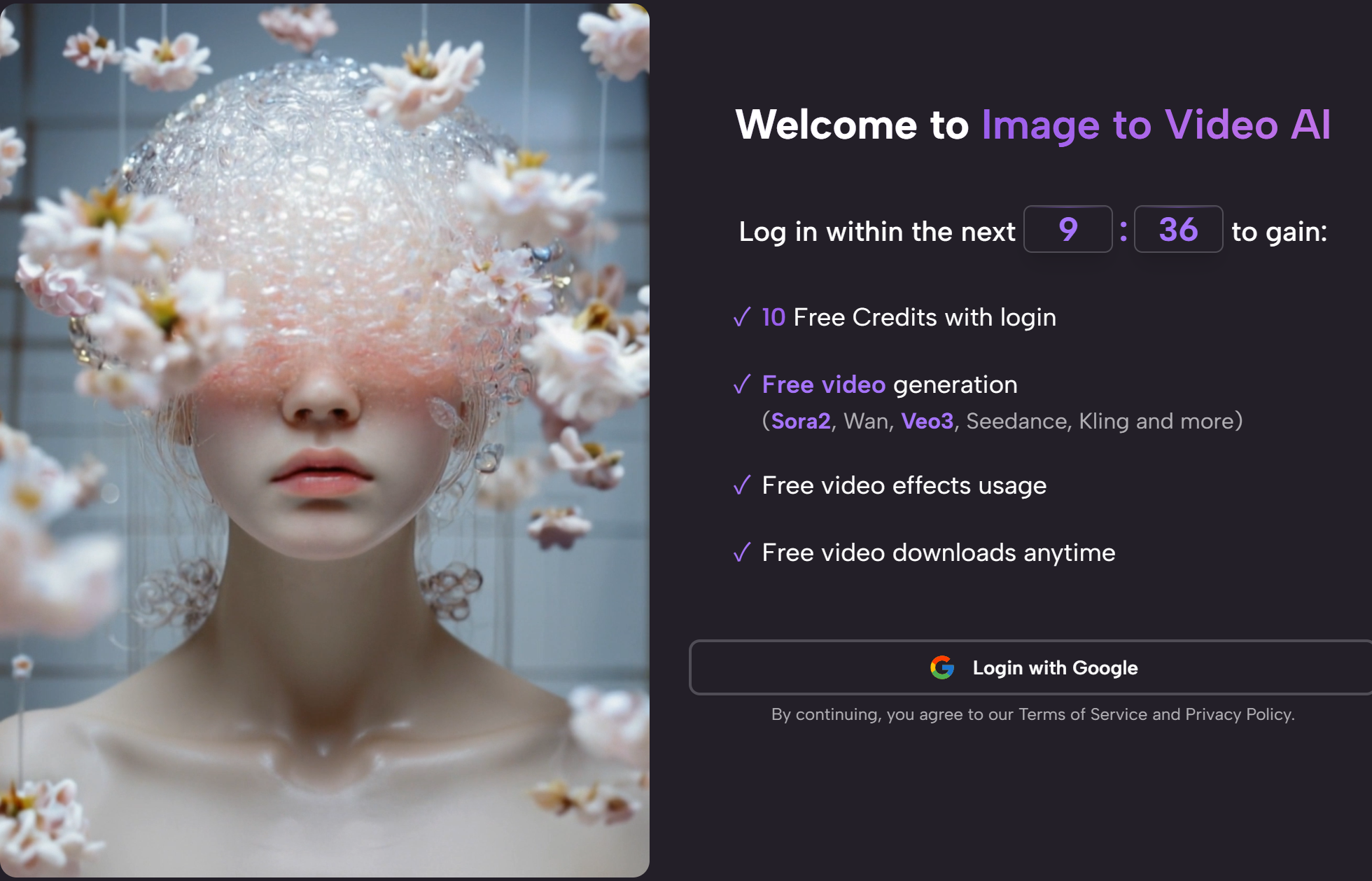
The people who benefit most from Image2Video are not necessarily the loudest users online. They are often the ones quietly trying to make a still asset more useful. They may be small business owners, freelance designers, content managers, or creators exploring an idea before investing more heavily in production.
Clear tools often unlock more creative behavior
I have noticed that creators do more when they feel less intimidated by the tool in front of them. They try more prompts. They test more visual directions. They learn faster because the workflow stays visible. That is a meaningful advantage, even if it is not the sort of thing usually celebrated in flashy AI discussions.
A better tool can simply mean less resistance
That is the central reason I rank Image2Video first among these seven platforms. It lowers resistance. It takes a common problem, a still image that needs movement, and responds with a workflow that feels appropriately narrow, practical, and usable. The other platforms absolutely have their place, and some users will prefer them. But for the broadest range of everyday image-to-video tasks, the platform that asks the least unnecessary effort often turns out to be the most valuable one.