

Key Things To Know About Campus Switches
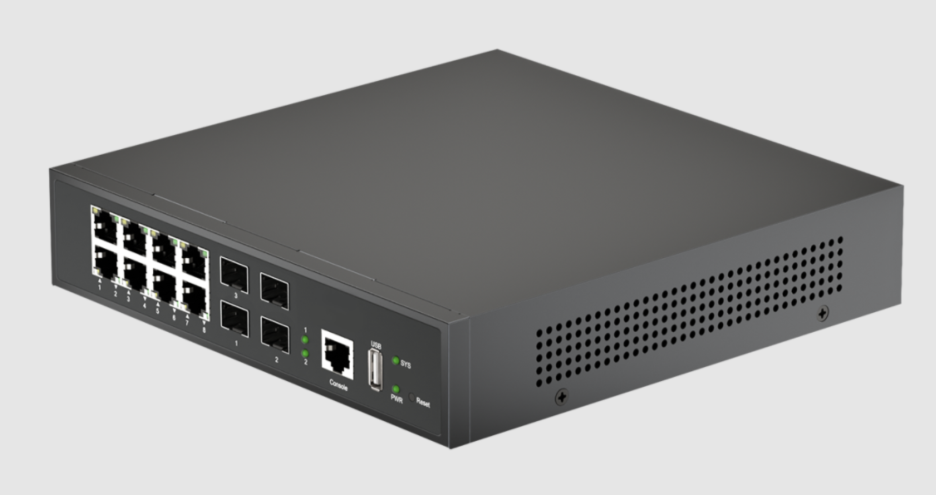
A slow network can affect far more than web browsing. Dropped VoIP calls, unstable Wi-Fi, delayed applications, and disconnected devices can quickly frustrate your workforce. In many cases, the issue starts at the access layer, where switches connect computers, phones, cameras, wireless access points, and other endpoints. If your switches lack enough capacity or the right features, network performance can suffer as device demand grows.
You can prevent many of these problems by choosing switches around your network’s actual requirements. Port density is important, but you also need to consider PoE capacity, uplink speeds, Layer 2 or Layer 3 functionality, security, and management. A good choice should support your current network while leaving enough capacity for future growth.
Here are five key things you should know before selecting campus switches for your network.
- Match Port Capacity
Start by counting the devices that need wired connections at each location. When choosing campus switches, consider computers, IP phones, printers, cameras, wireless access points, and IoT devices. Include planned additions so your port count reflects future needs.
Port density depends on the size and purpose of each network area. A small office may need fewer ports, while a busy floor may require 24 or 48 ports. Choosing the right configuration helps you avoid both unused capacity and frequent hardware upgrades.
Leave some capacity for growth. New employees, access points, cameras, and connected devices can quickly increase port demand. Selecting sufficient capacity now can extend your switch’s useful life and simplify future network expansion.
- Check PoE Capacity
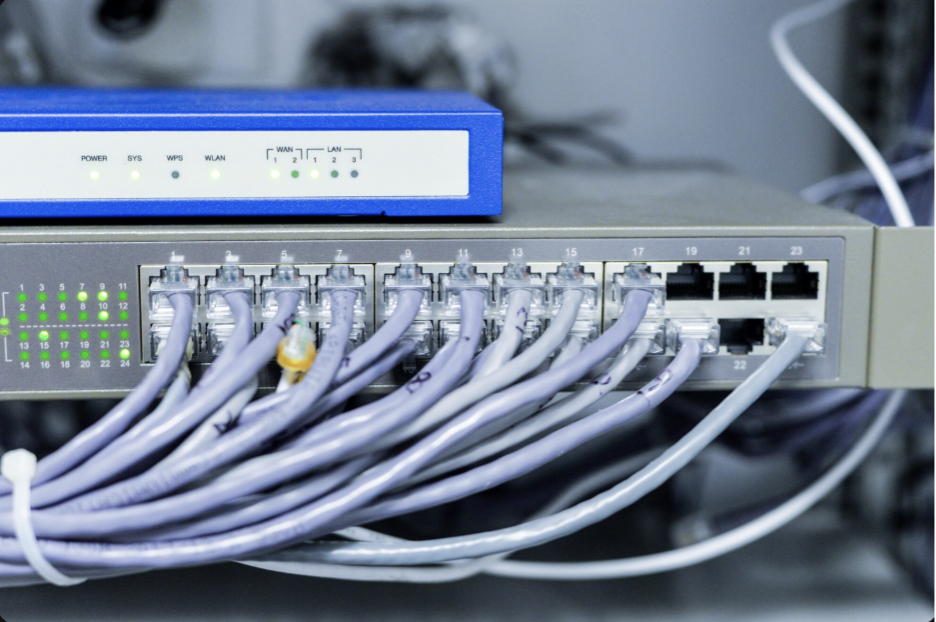
Power over Ethernet allows compatible devices to receive both data and power through one Ethernet cable. That can simplify deployments for IP phones, wireless access points, surveillance cameras, and other powered endpoints. You can reduce the need for separate power connections while keeping network installation more straightforward.
Do not judge PoE capability by the feature name alone. Check the total power budget and the power available to individual ports. Your requirements may vary considerably between a few standard access points and a larger deployment with cameras, phones, and higher-power wireless equipment.
Your PoE calculation should include future demand, too. If you plan to add more endpoints, select a switch with enough available power to support those devices. Larch Networks, for example, offers campus models with different PoE+ and higher-power configurations, giving you options for deployments with different power requirements.
- Evaluate Uplink Speed
Access ports connect endpoint devices, but uplinks carry aggregated traffic toward other switches, routers, servers, and core network resources. A switch can have enough access ports and still create a bottleneck if its uplinks cannot handle the traffic generated by connected devices.
Compare your access-port speeds with your uplink requirements. Gigabit Ethernet can serve many common endpoints, while 10G or 25G uplinks can provide greater capacity between network layers. Your choice should reflect device density, application traffic, wireless demand, and the design of your wider network.
Future bandwidth needs deserve attention as well. Faster wireless access points, cloud applications, video, and growing numbers of connected devices can increase traffic over time. Larch’s campus portfolio includes configurations with 10G and 25G uplinks, allowing you to consider higher-capacity connections as network requirements increase.
4. Choose Layer 2/Layer 3 Features
Layer 2 and Layer 3 switching serve different network requirements. Layer 2 capabilities support local switching and functions such as VLAN-based segmentation. Layer 3 capabilities add routing between network segments, which can help you build a more structured and scalable campus architecture.
Consider how you want different types of traffic to move across your network. You may separate employee devices, guest access, voice systems, surveillance equipment, and IoT devices into different VLANs. Layer 3 routing can then help manage communication between those segments according to your network policies.
You should also consider resilience when comparing switch capabilities. Link aggregation can provide additional bandwidth and redundancy, while appropriate Spanning Tree Protocol features can help prevent network loops. Redundant or hot-swappable power options can add another layer of availability in environments where network interruptions are costly. Larch offers campus configurations with redundant and hot-swappable power options for specific models.
5. Prioritize Security and Management
Campus switches connect users and devices directly, making access-layer security essential. Features such as 802.1X authentication, access control lists, VLAN segmentation, DHCP snooping, and MACsec can help control access and protect network traffic. These controls can also help you reduce security risks as your network grows.
Your security approach should match the devices on each network segment. Guest users, cameras, and IoT devices may need separate access policies or isolated VLANs. Proper segmentation can reduce unnecessary access without creating a flat network.
Management also affects daily network operations. Look for console, out-of-band (OOB), centralized monitoring, and automation support that fit your existing tools. Larch offers ROS-based models and selected ROS/SONiC configurations with USB, OOB, and console management options.
Conclusion
Choosing campus switches involves more than comparing the number of ports. You need to consider port density, PoE budget, uplink capacity, Layer 2 or Layer 3 functionality, security controls, resilience, and management. The best fit should support your current workloads without limiting your ability to add devices, increase bandwidth, or strengthen network controls later.
Start by mapping your endpoints, power requirements, traffic patterns, security needs, and expected growth. Then compare those requirements with actual switch specifications. A well-planned access layer can give you reliable connectivity, efficient device deployment, and enough flexibility to support your network as business demands change.